

Top 10 Crypto Mining Apps for Android (2026 Guide)
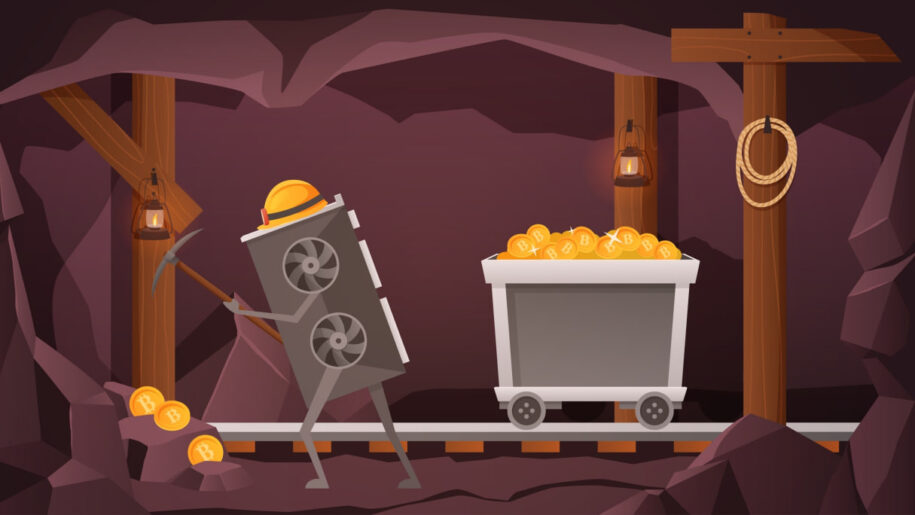
Most apps that advertise crypto mining on Android do not mine anything on your phone, and the few that try will cost you more in battery wear than they ever pay out. What they actually offer ranges from genuine cloud mining contracts you pay for, to tap-to-earn token apps, to reward apps that hand out small amounts of crypto for tasks or referrals. This guide sorts the better-known Android options by what they really do, what they cost, and where the catch is, so you can choose by the model that fits you rather than by the marketing on the store page.
Our take is that for most people the realistic options are a reward app you treat as pocket change or a paid cloud contract you go into with open eyes, and almost everything marketed as free phone mining sits somewhere between underwhelming and a trap.
*This is not a financial investment or strategy, so please do your due diligence and research it further.
How we Evaluated These Apps
We assessed each app on Android in 2026 against the criteria that actually matter for this category: whether it pays out and how reliably, its real cost once electricity and maintenance fees are included, how much friction stands between you and a withdrawal, how transparent it is about fees and terms, and whether it is even available in your region. For each entry we cross-checked the developer’s own claims against current Google Play and App Store data, recent Trustpilot and store reviews, and on-chain trackers and price aggregators, rather than repeating marketing copy. All earnings figures reflect market rates at the time of writing and will change, so treat them as a snapshot, not a promise.
Top 10 Crypto Mining Apps for Android
1. Binance – Best for Ecosystem Integration
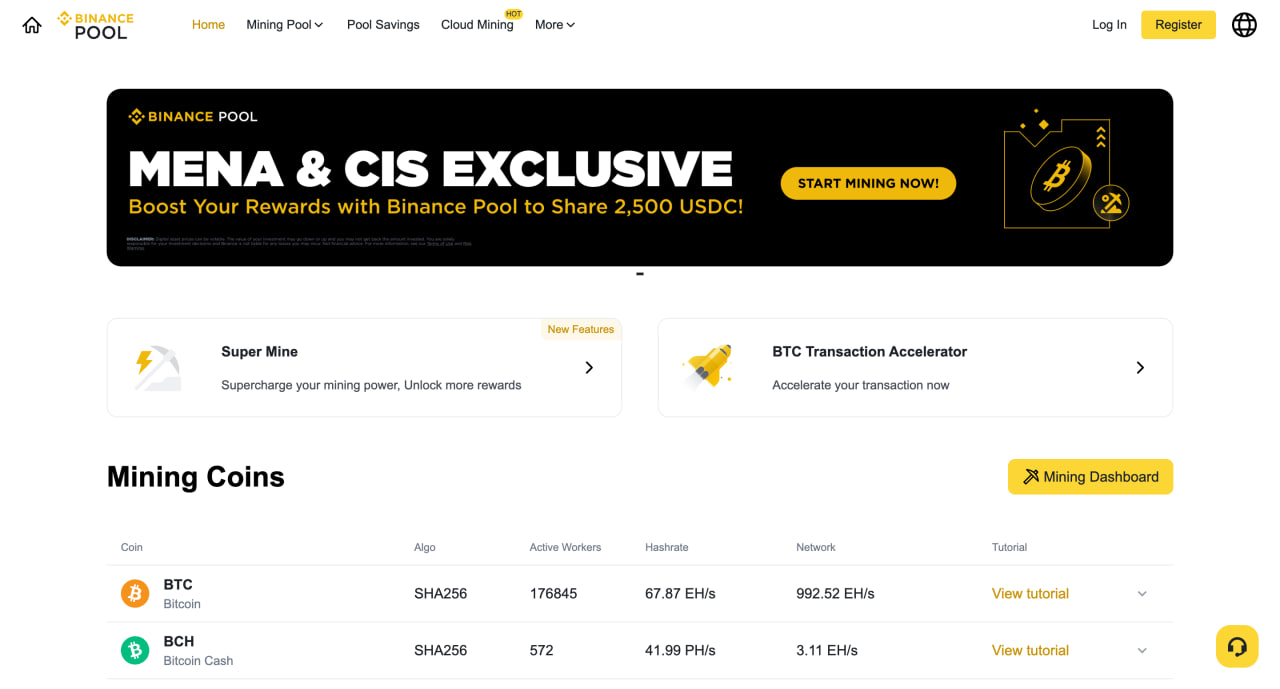
Launched in 2017, the Binance mobile app is the main app for the world’s largest crypto exchange. Beyond trading, it hosts Binance Pool, a mining hub offering structured cloud mining contracts. This service lets everyday users remotely rent industrial-scale hash power directly from their smartphones, without needing to buy or maintain specialized ASIC rigs.
Binance Pros
- You rent real-world mining farms without dealing with high electricity bills, heat management, or hardware configurations.
- Backed by Binance’s global security protocols, which carries lower counterparty risk than small, unknown cloud operators.
- Automated daily mining rewards are settled directly into the user’s Binance Funding Wallet.
- Earned rewards can immediately be used for spot trading, futures, staking, or fiat off-ramping without external transfer fees.
Binance Cons
- This is not a free mining tool; users must purchase hash power contracts using stablecoins like USDT, FDUSD, or USDC.
- If the price of Bitcoin drops significantly during the contract period, the fixed price paid for the hash rate and electricity might outweigh the dollar value of the mined rewards.
- The cloud mining feature is completely blocked in several jurisdictions due to local regulatory frameworks, including the United States and parts of Europe.
- Binance failed to acquire a MiCA license to operate in the EU and will stop providing services to the region’s customers starting July 1, 2026
Withdrawal Hurdles: Automated daily internal transfers to the funding wallet have zero fees, but external on-chain withdrawals require a minimum of roughly 0.001 BTC (approx. $65–$95) or 10 USDT.
Of the paid cloud options here, we’d point a beginner to Binance first, mainly because the fee pages, wallet rules, and payout terms are easier to verify than with smaller operators.
2. Bee Network – Web3 Interactive Game and Gamified Mining
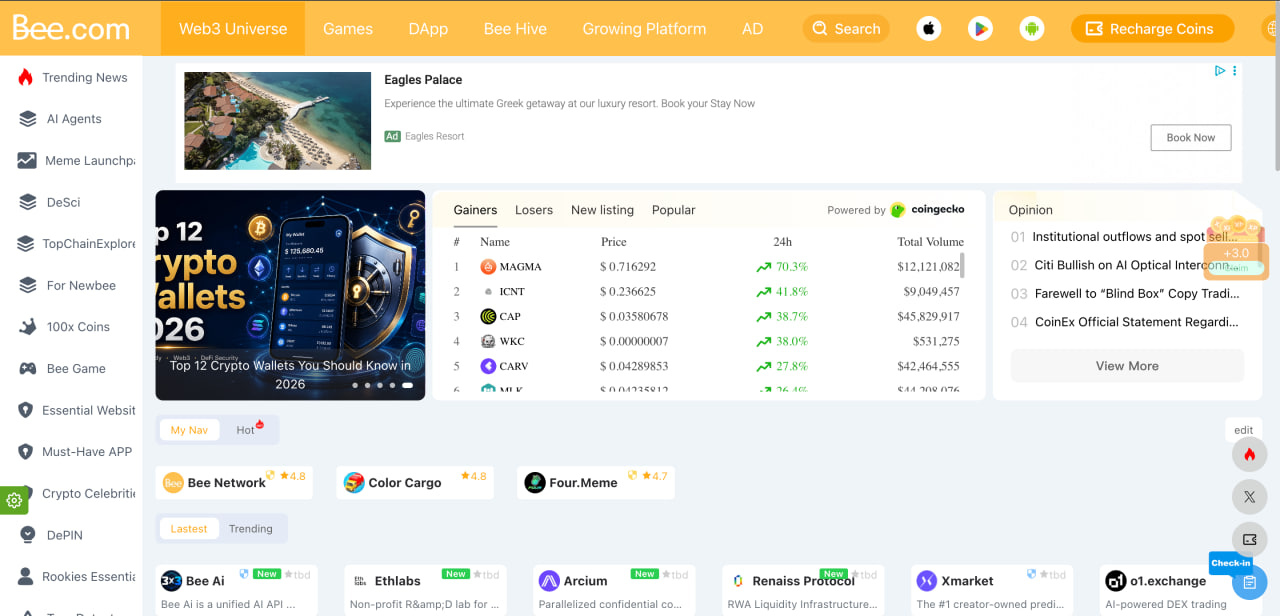
Established in late 2020, Bee Network is a gamified Web3 app that has amassed over 30 million global users. The application requires users to log in once every 24 hours to activate a cloud mining cycle that accumulates “BEE” points. Over time, the app has expanded past simple mining to integrate an in-app Web3 wallet, mini-games, decentralized application (dApp) exploration hubs, and localized AI-task features.
Bee Network Pros
- Offers a simple, single-tap mobile interface that allows beginners to mine without configuring nodes or draining hardware resources.
- Functions well as an educational decentralized environment, containing a built-in multi-chain Web3 wallet.
- The development team updates the application frequently, recently introducing functional task-execution AI assistants inside the app.
- Features an active referral structure that permanently adds a 25% active mining speed boost for every team member you invite.
Bee Network Cons
- Mined BEE points are currently just digital entry figures; the network has not executed its official Token Generation Event (TGE) or launched an open mainnet.
- Users frequently complain about a significant increase in video pop-up advertisements required to initialize daily mining sessions.
- Token migration is locked behind a strict Know Your Customer (KYC) identity process that is rolled out in limited, selective batches.
- Entering its sixth year of development without open market liquidity, the roadmap remains ambiguous, tying its final launch to reaching a massive 100-million-user threshold.
Withdrawal Hurdles: Inside the built-in Bee Wallet, core mining balances remain locked at a 0 BEE withdrawal minimum until successive mainnet migration phases clear. While the integrated wallet supports active multi-chain assets (like Polygon) and external Web3 wallet binding, actually moving your mined mobile assets out of the native ecosystem requires passing the strict KYC queue first.
3. Pi Network – Strong DeFi Ecosystem
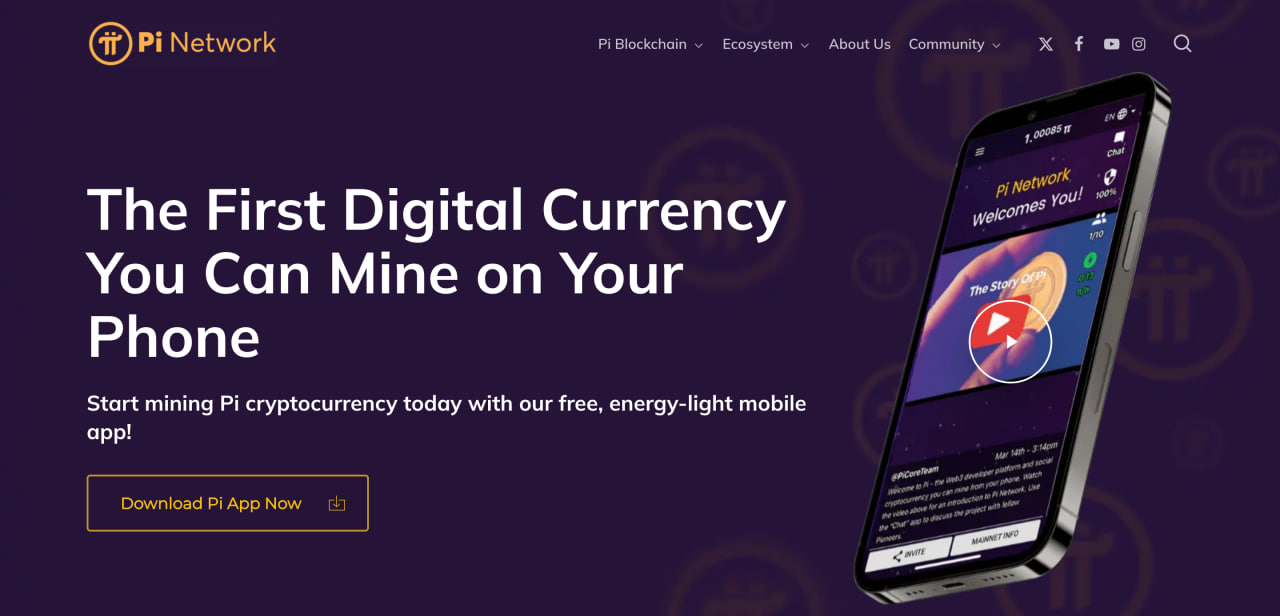
Launched in 2019 by a team of Stanford graduates, Pi Network began as a mobile-first project to democratize crypto access without the energy drain of traditional networks like Bitcoin. The network moved to its Open Mainnet on February 20, 2025, transitioning from an enclosed app experiment into a live, functioning Layer-1 blockchain ecosystem.
Pi Network Pros
- It relies on a consensus mechanism that does not consume excessive energy, preventing battery degradation.
- Beginners do not need to purchase or hold crypto to start; you can mine directly from scratch upon registration.
- Following its 2026 Developer SDK launch, users can actively spend PI on peer-to-peer marketplaces and third-party Web3 dApps.
- You can form referral circles with friends to boost your mining velocity.
Pi Network Cons
- Since hitting the open market, PI has suffered a steep decline of over 90% from its initial listing high, trading at roughly $0.13 as of mid-2026, according to data from CMC.
- According to PiScan data, over a 1.7 billion PI tokens are scheduled to unlock across 2026, creating severe monthly selling pressure.
- Millions of users face long wait times to pass AI-linked KYC and successfully migrate their mobile balances to the live mainnet wallet.
- While tradeable on venues like Kraken and Bitget, major platforms like Binance and Coinbase have yet to list the spot asset.
Withdrawal Hurdles: Despite no minimum transaction limit, funds are locked until users complete a mandatory 14-day waiting period following KYC, wallet generation, and mainnet migration.
4. Sweat Wallet – Best for Free Move-to-Earn Crypto
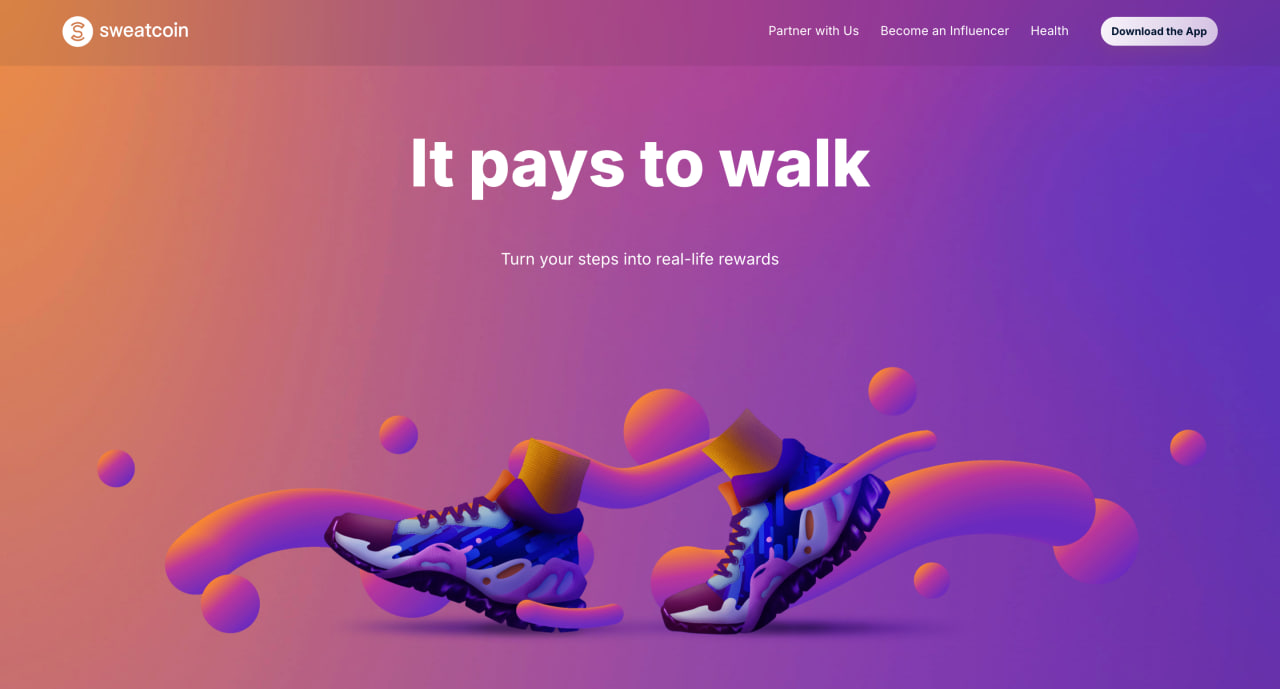
Sweatcoin and its companion Sweat Wallet represent the largest and most successful “Move-to-Earn” ecosystem on Android, with over 100 million global users. Instead of burning electricity or computational power, the app uses your phone’s built-in step counter to verify real-world movement. Your physical daily steps are automatically minted into SWEAT tokens directly on the NEAR blockchain.
Sweat Wallet Pros
- Encourages daily physical activity by converting your real-world walking, running, or hiking into a small crypto reward, turning movement you would do anyway into tokens.
- There are no purchases, contracts, or mandatory upgrades required to start minting tokens, which makes it one of the few genuinely free options on this list.
- Runs in the background off your phone’s existing step counter and mints SWEAT on the energy-light NEAR proof-of-stake blockchain, with none of the battery drain or heat of on-device mining.
- SWEAT is a tradeable token rather than an unlaunched point system, and it can be staked for yield inside the app or moved to exchanges such as Coinbase, KuCoin, and Bitget.
Withdrawal Hurdles: Transfers require a minimum of 10 SWEAT, and a small amount of NEAR tokens must be kept in the wallet to cover network gas fees for any outgoing transaction.
Sweat Wallet Cons
- SWEAT trades at roughly a tenth of a cent in 2026, so even steady daily walking converts into only a few dollars a month at best, and most casual users earn far less.
- The number of steps needed to mint a single SWEAT keeps rising over time, so you walk progressively farther to earn the same amount while the token’s value trends down.
- Cashing out is harder than it looks, since exchange minimum-withdrawal thresholds and network fees can exceed what a typical user accumulates in months.
- Some users have reported losing access to tokens locked in the app’s staking jars, and at least one scam advertisement slipped through the platform’s vetting, so treat the in-app crypto features with care.
Our view is that Sweat Wallet is worth it only if you’d be walking anyway and treat the tokens as a free bonus; as an earning strategy the numbers don’t hold up.
5. CryptoTab Browser Lite – Best for Passive Web Browsing Rewards
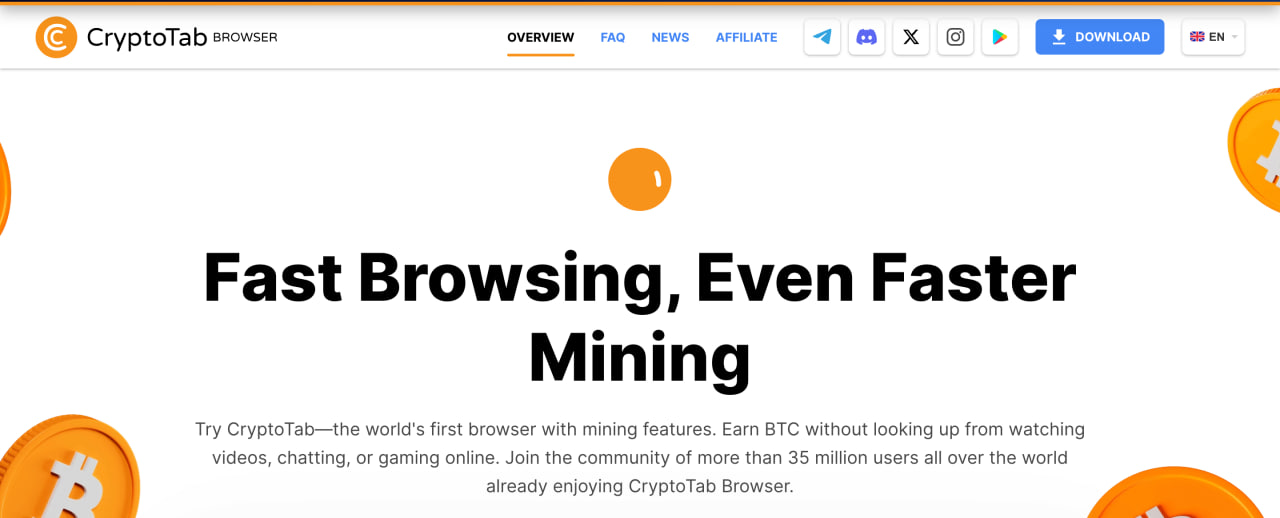
The CryptoTab Browser Lite app is a Chromium-based mobile browser that rewards users with Bitcoin for surfing the internet. Instead of forcing your Android smartphone’s processor to execute heavy mathematical equations, the “Lite” version utilizes CryptoTab’s basic Cloud.Boost infrastructure. This allows users to activate fixed mining speeds remotely on the cloud with a single tap, generating continuous passive income while using the browser to check emails, watch videos, or read articles.
CryptoTab Lite Pros
- The app acts as a viewer portal for remote cloud servers, ensuring your local smartphone battery is protected from overheating or degradation.
- You can sync your profile across multiple Android devices and desktop browsers to monitor and accumulate your collective Bitcoin balance under one account.
- The in-app dashboard calculates your mined satoshis dynamically, refreshing your total Bitcoin balance roughly every 10 minutes.
- Features a highly accessible withdrawal threshold (as low as 0.00001 BTC), allowing users to move their earnings out of the ecosystem relatively quickly.
CryptoTab Lite Cons
- Despite automated help centers, the platform is widely criticized for lacking a responsive human support team to assist users with stuck transactions or account flags.
- To maintain optimal cloud mining speeds without it timing out, users must set CryptoTab as their default system browser and actively browse with it.
- The free “Lite” tier requires users to manually solve security captchas every few hours to keep the background cloud mining session active.
- The base mining speed on the free version is heavily restricted; unlocking higher, highly profitable hash rates requires purchasing premium monthly Cloud.Boost subscriptions.
Withdrawal Hurdles: Features a low 0.00001 BTC (approx. $0.65–$0.95) minimum, though manual withdrawals are processed in batches (up to 48 hours) and require regular KYC/bot-detection actions.
6. ECOS – Best Dedicated Cloud Mining Infrastructure
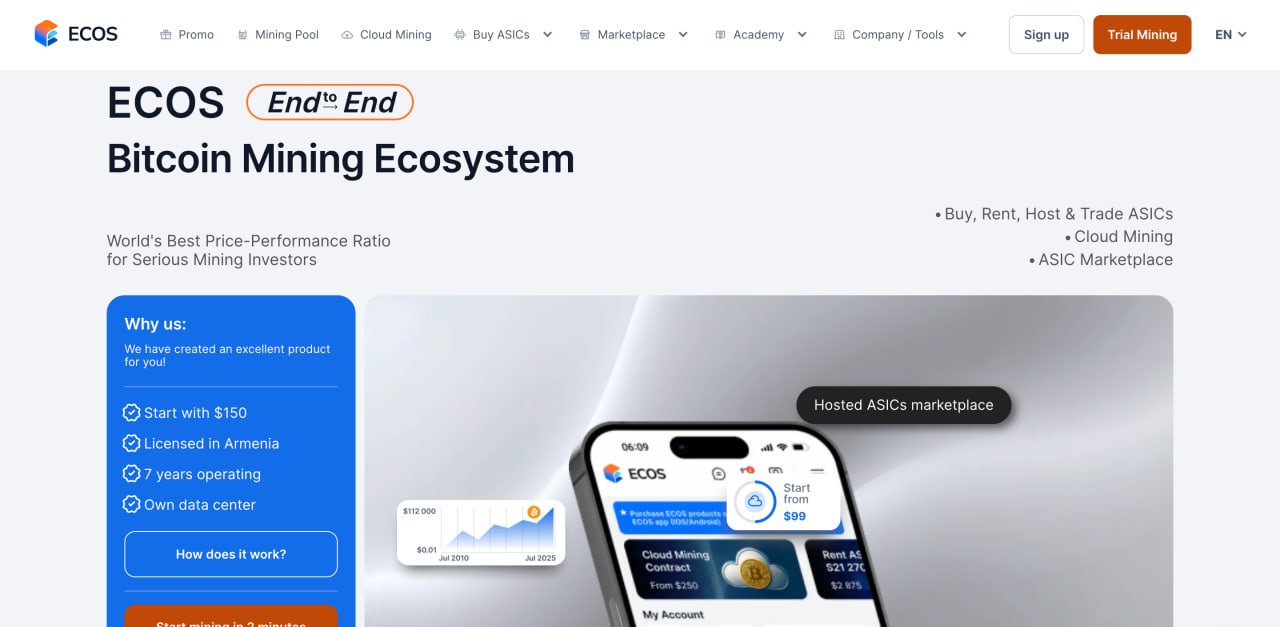
Established in 2017 inside a government-backed Free Economic Zone (FEZ) in Hrazdan, Armenia, ECOS is a regulated cloud mining provider. The ECOS Android Application serves as a unified digital dashboard for users to purchase and control remote data center capacities. Because all intensive proof-of-work mining tasks are handled by industrial-scale rigs (like the Antminer S21 Pro) inside their physical facility, the mobile app functions purely via cloud interaction without drawing local hardware power.
Ecos Pros
- Operating inside a certified Free Economic Zone grants the data center unique legal security and stable tax/energy breaks.
- No local smartphone CPU heat or battery degradation; the application handles zero internal computing operations.
- Beginner cloud contracts start at relatively accessible budget levels, typically between $99 and $150.
- Payouts accumulate and settle into your in-app balance daily, backed by clean analytics trackers.
Ecos Cons
- This is strictly a premium paid service; the platform requires upfront capital to start acquiring Bitcoin.
- Contract earnings are subject to daily maintenance and electricity deductions, which can heavily cut into profitability during market dips.
- Most high-yield contracts feature lengthy lock-up periods, restricting you from pulling your initial capital out prematurely.
- The core cloud mining infrastructure remains strictly optimized for Bitcoin, meaning altcoin mining is not supported.
Withdrawal Hurdles: Users must reach a 0.001 BTC balance for external withdrawals, leading to potential long lock-up periods for smaller, low-power contracts.
7. GoMining – Best for Liquid NFT-Backed Mining
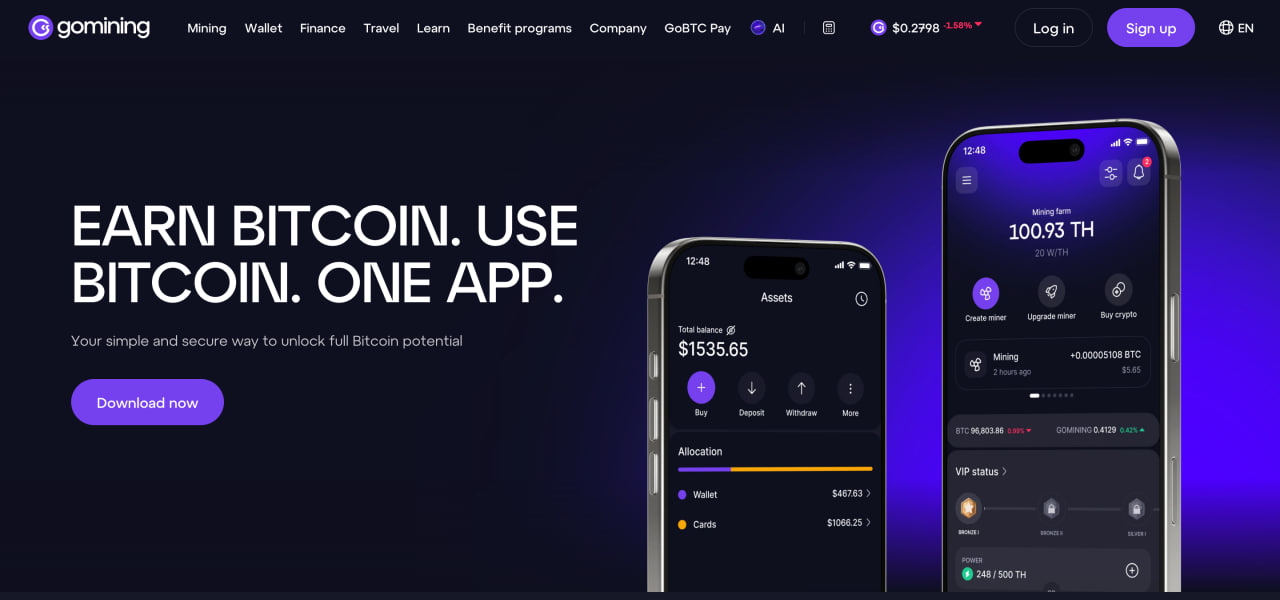
GoMining is one of the larger cloud mining platforms, with over 5 million registered users. It pioneered the concept of ‘Liquid Bitcoin Hashrate,’ where real-world computing power in global data centers is tokenized into NFTs. Instead of buying physical ASIC mining machines, Android users purchase these NFTs through the mobile app or desktop portal, unlocking automated daily Bitcoin rewards settled straight to their wallets.
GoMining Pros:
- Each NFT represents verifiable, physical terahash power (TH/s) housed in industrial-scale mining farms.
- Users can customize their mining configurations at any time, directly upgrading their NFT’s power or energy efficiency with a few taps.
- Because the mining power is tied to an NFT asset, users can instantly sell their digital miners on the in-app marketplace to liquidate their investment.
- Holding the native GOMINING utility token unlocks significant discounts on daily electricity and maintenance fees, optimizing net margins.
GoMining Cons:
- If your in-app GOMINING token balance runs out, daily maintenance and electricity fees instantly skyrocket, often consuming over 80% of your daily Bitcoin mining rewards.
- The platform’s ecosystem and discount models heavily favor large-scale whale investors, leaving small-scale users with negligible margins after expenses.
- Following global network halvings and surging hash difficulty, the baseline raw Bitcoin generation yields are noticeably tighter, leading to heavily extended return-on-investment timelines.
- While buying a basic entry-level NFT miner is relatively inexpensive, scaling up your virtual farm to generate substantial daily profits requires hundreds of dollars in upfront capital.
Withdrawal Hurdles: A strict 0.0001 BTC minimum applies for automated external payouts; if daily rewards from your NFT fall below this threshold after fees, payouts are delayed.
In our assessment, GoMining’s model only really works for users holding a large GOMINING balance; for everyone else the fees erode the rewards enough that we’d treat it as a token play rather than a passive-income tool.
8. NiceHash – Best for Remote Rig Management & Hashrate Brokerage

The official NiceHash Mobile App lets you monitor and control mining hardware from your phone. The phone itself does no mining; it only oversees remote CPUs, GPU rigs, and ASIC setups. Operating as the world’s largest open hashpower marketplace, the underlying platform connects sellers of computing power with global buyers.
NiceHash Pros:
- The Rig Manager feature lets users track live hardware temperatures, watch hashrates, and monitor profitability on the move.
- Regardless of which specific Proof-of-Work algorithm your remote machines are tasked with solving, all final earnings are auto-converted and paid out strictly in Bitcoin (BTC).
- Features immediate push notifications that alert the user if a home PC or ASIC mining farm goes offline or experiences a sudden error drop.
- Users can check, place, modify, or cancel raw hashrate bidding orders directly within the mobile dashboard interface.
NiceHash Cons:
- The application cannot utilize your Android phone’s processing chip to mine, making it completely useless if you do not own external desktop or ASIC hardware.
- Community feedback frequently highlights stability issues with the in-app remote controls, occasionally failing to successfully trigger device reboots or profile settings over cellular data.
- Rewards accumulate in a built-in custodial wallet before reaching payout minimums, so you are trusting the platform’s security until you withdraw.
Withdrawal Hurdles: Accumulated Bitcoin earnings from your remote hardware must reach a minimum threshold of 0.0005 BTC to withdraw directly to an external Bitcoin wallet. Users can alternatively utilize a lower 0.0001 BTC minimum by routing the transaction through the Lightning Network, though both options require clearing native platform security delays (up to 24 hours) for new wallet addresses.
9. KuCoin Pool – Best for Flexible Hashrate Services
Operated by KuCoin, one of the world’s largest digital asset exchanges, the KuCoin mobile app hosts KuMining, a fully integrated cloud mining and pool management suite.
Upgraded to its KuMining 2.0 architecture, the platform lets users bypass expensive hardware configurations by renting verifiable, real-world hashing power directly from remote data centers. It offers a mining setup aimed at mobile users who want to mine Proof-of-Work coins like Bitcoin, Litecoin, and Dogecoin.
KuCoin Pool Pros
- The KuMining 2.0 framework treats users as real hashrate holders, providing completely transparent, real-time tracking of physical rig performance via mobile.
- Requires upfront hash power purchases, but allows users to defer daily electricity and maintenance fees on an installment basis with a built-in 7-day grace period.
- Users who mine specific networks like Litecoin (LTC) automatically receive bonus payouts in merged-mining companion assets like Dogecoin (DOGE).
- Mining rewards are automatically deposited into the user’s KuCoin account daily, where they can be instantly swapped for over 1,000 listed altcoins.
KuCoin Pool Cons
- This is a paid contract service; users must buy specific computing packages using stablecoins, making it unsuitable for those looking for 100% free options.
- The KuCoin App is packed with dense trading tools, futures data, and promotional hubs, which can feel overwhelming to a total beginner.
- Following legal actions and civil enforcement charges by the U.S. Department of Justice (DOJ) and the CFTC, the platform is strictly prohibited from onboarding any users residing in the United States due to its lack of SEC and CFTC registrations.
Withdrawal Hurdles: While daily payouts to the exchange wallet occur at a 0.002 BTC threshold, transferring off-platform requires covering a 0.0005 BTC network fee, which can impact profitability.
10. Kryptex – Best for Remote Hardware Control & Dashboard Tracking
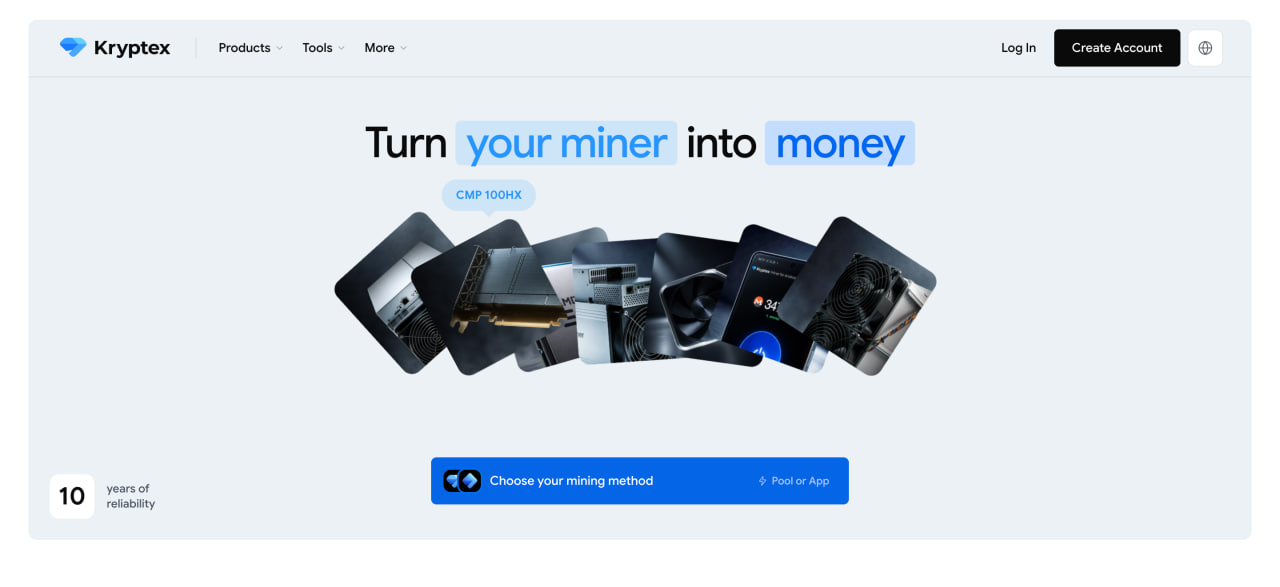
The Kryptex mobile application is a dashboard for managing mining hardware you own. Rather than draining phone batteries with inefficient device-level mining, the Kryptex App allows users to monitor, configure, and manage remote home PC rigs or enterprise ASIC farms on the go. The platform uses an auto-switching algorithm that picks the most profitable coin in real time.
- Users can track real-time hashrates, monitor temperature fluctuations, adjust GPU overclocking settings, and trigger system reboots from anywhere via smartphone.
- The background system automatically detects network hashpower changes and switches to the highest-yielding blockchain to maximize profitability.
- Accrued payouts can be withdrawn as major cryptocurrencies like Bitcoin and Ethereum, or directly converted into local fiat money.
- Features immediate push notifications that alert the user if a remote hardware rig drops offline or experiences an unexpected thermal spike.
- The smartphone application functions primarily as a management dashboard, meaning you must own external desktop hardware or ASICs to generate revenue.
- Some users note that the Android layout mirrors the desktop web-portal view, which can occasionally feel less fluid than a fully native mobile interface.
- While downloading the dashboard app is free, Kryptex charges variable service and pool fees when processing final mining payouts.
- While Kryptex offers a separate, sideloaded Android APK that allows active mining directly on your smartphone, the development team explicitly advises against running it on your primary device due to severe overheating and hardware degradation risks.
Withdrawal Hurdles: For native crypto withdrawals, the platform enforces a low minimum threshold of 0.00005 BTC, but users must pay a fixed, high network processing fee of 0.00002 BTC per transaction, which heavily impacts small balances. For users off-ramping into local fiat currency, the minimum threshold spikes significantly to a $10 equivalent, accompanied by variable regional bank card processing fees.
How Do Crypto Mining Apps for Android Actually Work?
The honest answer is that almost none of them mine Bitcoin on your phone, and the few that technically can will earn you a fraction of a cent while heating up the device and wearing down the battery. A smartphone does not have the processing power, energy efficiency, or cooling to compete with industrial ASIC rigs on the Bitcoin network, and both Google Play and the App Store restrict apps that run sustained heavy computation in the background. What the apps in this list actually do falls into a few distinct models, and knowing which one you are dealing with is the difference between a reasonable expectation and a disappointment.
The first model is cloud mining, where the real work happens on remote machines in a data center and the app on your phone is a control panel for buying hashrate, paying electricity, and tracking daily output. Binance Pool, ECOS, GoMining, and KuMining work this way, and all of them cost money up front because you are renting industrial capacity rather than generating it on your handset. The second model is simulation or social mining, where the app credits you with a token for tapping a button every so often without performing any real computation, which is how Pi Network and Bee Network operate. The third model is reward or crypto faucet apps, which pay out small amounts of an existing cryptocurrency for watching ads, completing tasks, playing games, or referring friends, where the word mining is used loosely to describe what is closer to an incentive program. A fourth group sits slightly apart: management dashboards such as NiceHash and Kryptex, where the phone monitors and controls mining hardware you already own elsewhere rather than mining anything itself.
Types of Mobile Crypto Mining Apps
Grouping the apps by how they actually reward users gives a clearer picture than the marketing labels:
- Cloud mining apps rent you a share of remote hashrate against a paid contract, deduct daily electricity and maintenance fees, and pay BTC or another coin into your account. Returns depend on the coin price, network difficulty, and contract length, and there is no guarantee the rewards will exceed the cost.
- Simulation or social mining apps let you accumulate a project token through daily check-ins. The token may or may not reach an open market, and even after a listing its value and your ability to move it can stay restricted by KYC and migration rules.
- Reward and faucet apps pay micro-amounts of crypto for engagement. They are the closest thing to genuinely free, but the sums are small and the terms, such as withdrawal thresholds, play-through conditions, and ad requirements, tend to tighten over time.
- Hardware management apps do no mining on the phone at all and are only useful if you own a desktop rig or an ASIC setup.
FAQ
In Conclusion
Mobile crypto mining in 2026 is less about mining in the technical sense and more about choosing the right model for what you want. If you are after exposure to Bitcoin without hardware and you understand the costs, a regulated cloud platform is the closest fit. If you are curious and want to learn without spending anything, a reward or simulation app is a low-stakes way in, provided you keep your expectations modest and your guard up. If you’re new and just want to understand the space without losing money, we’d steer you toward a free reward or simulation app first, and treat any paid cloud contract as a deliberate, eyes-open decision rather than a casual experiment.
Last updated: 26.06.2026
This article is for informational purposes only and does not constitute financial advice. Consult a professional before making investment decisions.



Kosta has reported on cryptocurrency markets and blockchain infrastructure since 2020, bringing over six years of hands-on experience in the crypto industry built through daily tracking of markets, trends, and emerging blockchain developments. Specializing in Bitcoin on-chain analysis, institutional ETF flows, and digital asset price action, his work at Coindoo has been cited by other news agencies and consistently covers market developments with a focus on data-driven reporting across Bitcoin, Ethereum, Solana, and XRP. Over the years, Kosta has contributed to multiple crypto media outlets in different regions, authoring over 6,000 articles across the sector. His reporting spans cryptocurrency markets and the broader fintech industry, tracking not only price action but also the technological and regulatory forces shaping the ecosystem. To support his analysis, Kosta actively leverages on-chain data and metrics from leading platforms such as Santiment, Glassnode, and CryptoQuant, enabling deeper, evidence-based market insights. He believes in the power of transparency and the data that underpins the blockchain ecosystem. His academic background in Marketing Management from Denmark further complements his analytical approach, adding a strong understanding of communication strategy and content positioning to his work.